This documentation is available as Markdown for AI agents and LLMs. See the full Markdown index or append .md to any documentation URL.
This is documentation for the next SDK version. For up-to-date documentation, see the latest version (SDK 57).
滑块
一个与 @react-native-community/slider 兼容的滑块。
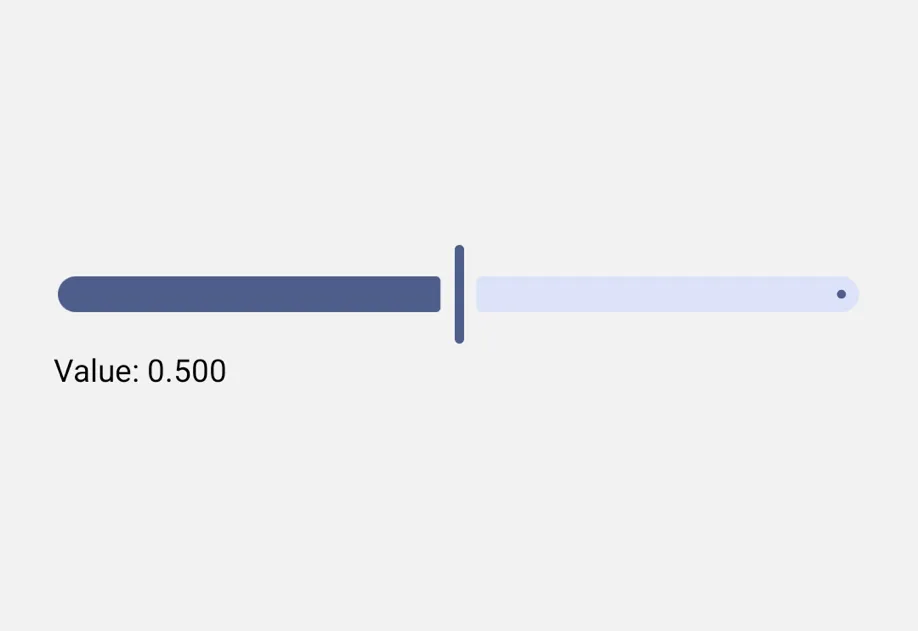
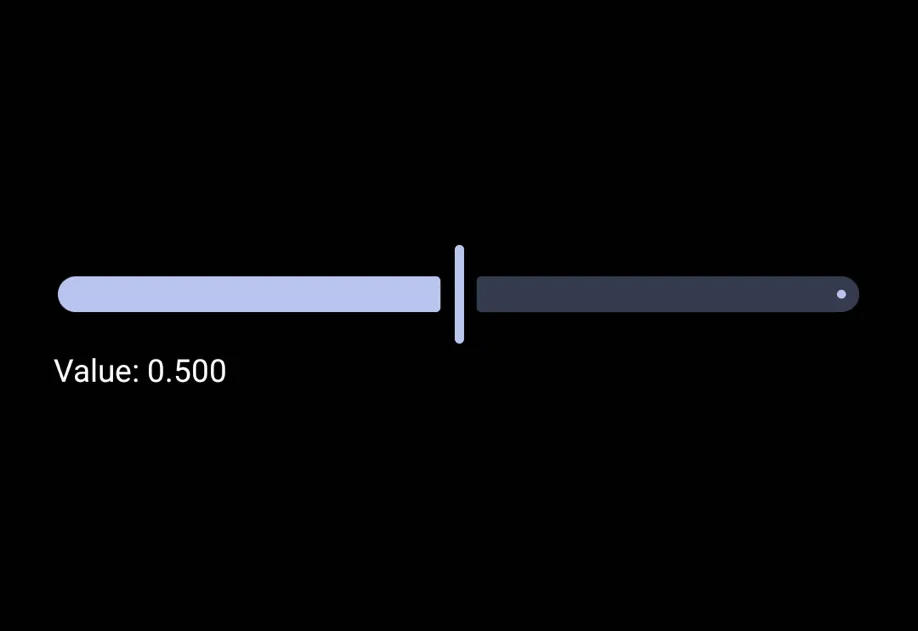
一个与 @react-native-community/slider API 兼容的 Slider 组件。它在 Android 上使用 Material 3 Slider,在 iOS 上使用 SwiftUI Slider,在 Web 上使用原生的 <input type="range"> 元素。
在底层,这个组件封装了平台特定的 @expo/ui 基础组件:
- Android:Jetpack Compose Slider
- iOS:SwiftUI Slider
如果你需要更底层的控制,请直接使用这些基础组件。
安装
If you are installing this in an existing React Native app, make sure to install expo in your project.
从 @react-native-community/slider 迁移
- 将导入从
import Slider from '@react-native-community/slider'更新为import Slider from '@expo/ui/community/slider'。 onSlidingStart、onSlidingComplete、tapToSeek、StepMarker、renderStepNumber、thumbImage、minimumTrackImage、maximumTrackImage、trackImage、accessibilityUnits、accessibilityIncrements、testID和ref.updateValue目前还不受支持。- 在 iOS 上,
maximumTrackTintColor和thumbTintColor不会产生视觉效果——SwiftUI 的Slider只暴露最小(激活)轨道的颜色。minimumTrackTintColor在两个平台上都可用。
基本用法
API
import Slider from '@expo/ui/community/slider';
Component
Type: React.Element<SliderProps>
A drop-in replacement for @react-native-community/slider. Renders a
SwiftUI Slider on iOS, a Material 3 Slider on Android, and a native
HTML <input type="range"> on web.
Props for the Slider community drop-in component.
Compatible with @react-native-community/slider.
boolean • Default: falseIf true the user won't be able to move the slider.
boolean • Default: falseReverses the direction of the slider so the maximum value is on the left and the minimum value is on the right.
numberThe lower limit value of the slider. The user won't be able to slide below this limit.
ColorValueColor of the track to the right of the thumb.
ColorValueColor of the track to the left of the thumb.
(value: number) => voidCallback continuously called while the user is dragging the slider.
number • Default: 0Step value of the slider. The value should be between 0 and (maximumValue - minimumValue). A value of 0 means continuous (no snapping).
numberThe upper limit value of the slider. The user won't be able to slide above this limit.