This documentation is available as Markdown for AI agents and LLMs. See the full Markdown index or append .md to any documentation URL.
This is documentation for the next SDK version. For up-to-date documentation, see the latest version (SDK 57).
分段控件
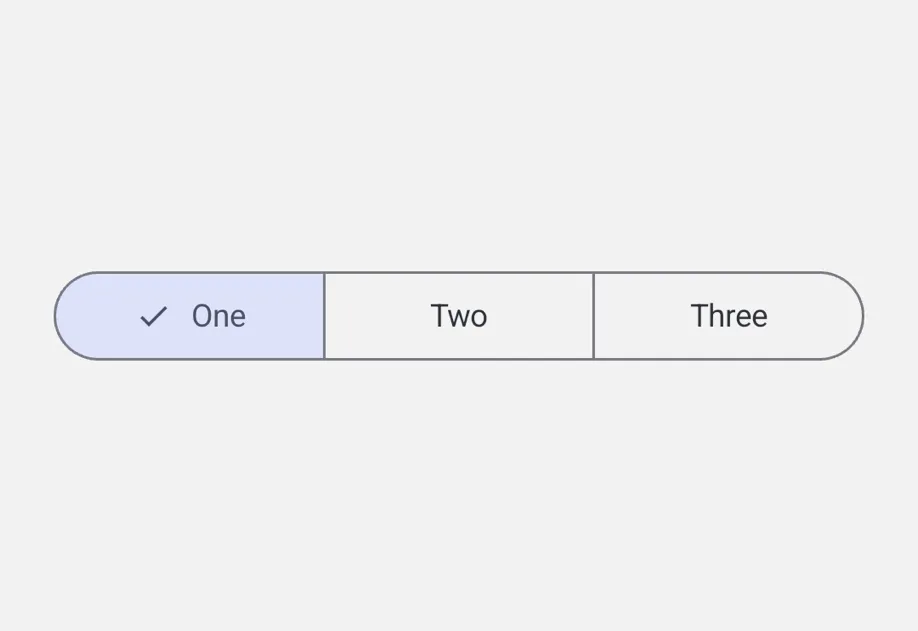
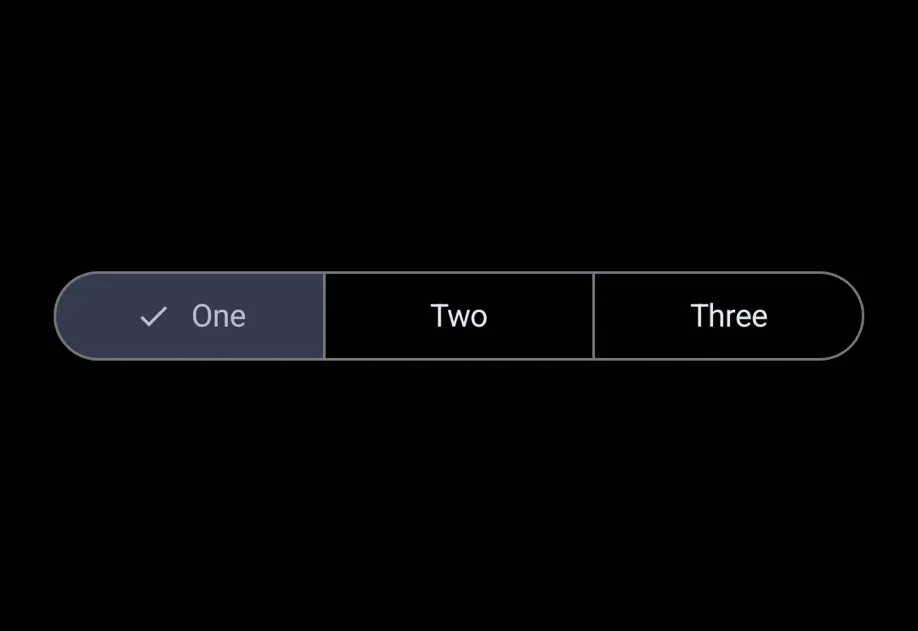
与 @react-native-segmented-control/segmented-control 兼容的分段控件。
一个与 @react-native-segmented-control/segmented-control API 兼容的 SegmentedControl 组件。它在 Android 上使用 Jetpack Compose 的 SingleChoiceSegmentedButtonRow,在 iOS 上使用带分段样式的 SwiftUI Picker。
在底层,这个组件封装了平台特定的 @expo/ui 基础组件:
- Android:Jetpack Compose SegmentedButton
- iOS:SwiftUI Picker,并使用
pickerStyle('segmented')
如果你需要更底层的控制(自定义修饰符、样式或布局),请直接使用这些基础组件。
安装
If you are installing this in an existing React Native app, make sure to install expo in your project.
从 @react-native-segmented-control/segmented-control 迁移
- 将导入从
import SegmentedControl from '@react-native-segmented-control/segmented-control'更新为import SegmentedControl from '@expo/ui/community/segmented-control'。 values数组中的图片值不受支持,只支持字符串。- 不支持
momentary、backgroundColor、fontStyle和activeFontStyle属性。 tintColor仅在 Android 上有效(设置活动分段容器颜色)。在 iOS 上,它不起作用。
基本用法
API
import SegmentedControl from '@expo/ui/community/segmented-control';
Component
Type: React.Element<SegmentedControlProps>
stringOverrides the control's appearance irrespective of the system theme.
Acceptable values are: 'light' | 'dark'
boolean • Default: trueIf false, the user cannot interact with the control.
(event: NativeSegmentedControlChangeEvent) => voidCalled when the user taps a segment.
The event carries nativeEvent.selectedSegmentIndex and nativeEvent.value.
(value: string) => voidCalled when the user taps a segment. Receives the segment's string value.
StyleProp<ViewStyle>Types
Shape of the native event passed to onChange.
Matches @react-native-segmented-control/segmented-control.
Deprecated: use NativeSegmentedControlChangeEvent
Type: NativeSegmentedControlChangeEvent
Shape of the native event passed to onChange.
Matches @react-native-segmented-control/segmented-control.