Reference version

This is documentation for the next SDK version. For up-to-date documentation, see the latest version (SDK 56).

BottomSheet

与 @gorhom/bottom-sheet 兼容的底部弹出层。

Android
iOS
Web
Included in Expo Go

For the complete documentation index, see llms.txt. Use this file to discover all available pages.

一个与 @gorhom/bottom-sheet API 兼容的 BottomSheet 组件。它封装了平台特定的 @expo/ui 原语:Android 上的 Jetpack Compose ModalBottomSheet 和 iOS 上的 SwiftUI BottomSheet。在 web 上,它使用 vaul 抽屉。

如果你需要对平台特定的样式、修饰器或布局行为进行更底层的控制,请直接使用原生原语。
安装

Terminal
npx expo install @expo/ui

If you are installing this in an existing React Native app, make sure to install expo in your project.

@gorhom/bottom-sheet 迁移

  • 将以下导入更新为:

    import BottomSheet, { BottomSheetView } from '@gorhom/bottom-sheet';

    改为使用 @expo/ui/community/bottom-sheet

    import BottomSheet, { BottomSheetView } from '@expo/ui/community/bottom-sheet';
  • 此实现不需要 react-native-gesture-handler 中的 GestureHandlerRootView。如果应用的其他部分需要它,你可以保留。

  • 不支持诸如 BottomSheetBackdropBottomSheetHandleBottomSheetFooterBottomSheetDraggableViewBottomSheetVirtualizedListBottomSheetFlashListuseBottomSheetModaluseBottomSheetSpringConfigsuseBottomSheetTimingConfigs 之类的组件和 hook 导出。为保持 API 兼容性,导出了一些相关的属性类型。

基本用法

BottomSheetExample.tsx
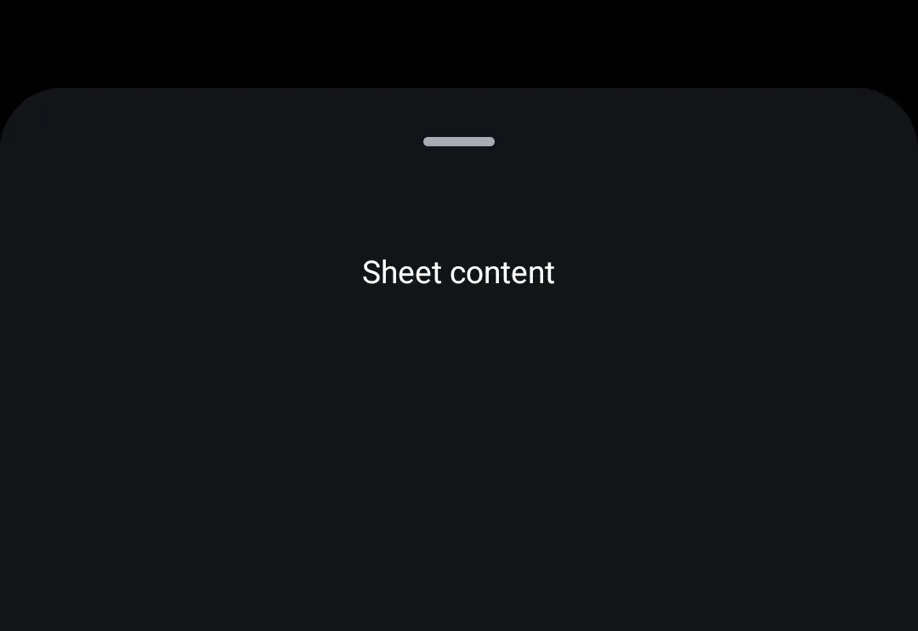
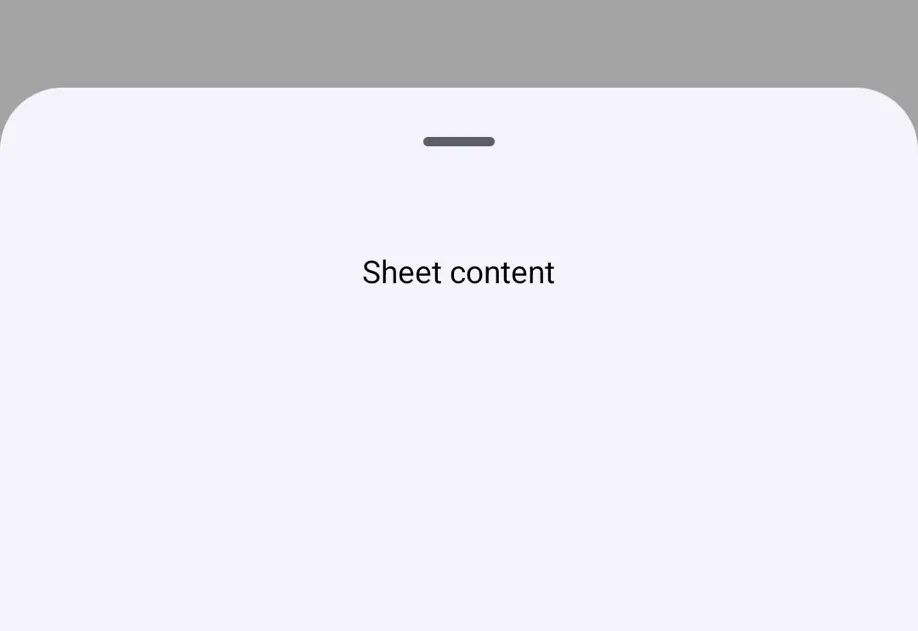
import { useRef } from 'react'; import { Button, Text, View } from 'react-native'; import BottomSheet, { BottomSheetView } from '@expo/ui/community/bottom-sheet'; export default function BottomSheetExample() { const sheetRef = useRef<BottomSheet>(null); return ( <View style={{ flex: 1 }}> <Button title="Open" onPress={() => sheetRef.current?.snapToIndex(0)} /> <BottomSheet ref={sheetRef} snapPoints={['25%', '50%', '90%']} index={-1} onChange={index => { console.log('onChange', index); }} onClose={() => { console.log('closed'); }} enablePanDownToClose> <BottomSheetView style={{ flex: 1, padding: 24, alignItems: 'center' }}> <Text>Sheet content</Text> </BottomSheetView> </BottomSheet> </View> ); }

BottomSheetModal

@gorhom/bottom-sheet 的 modal API 迁移时,请使用 BottomSheetModal。它会以关闭状态开始,并通过 present() 打开。

BottomSheetModalExample.tsx
import { useRef } from 'react'; import { Button, Text, View } from 'react-native'; import { BottomSheetModal, BottomSheetView } from '@expo/ui/community/bottom-sheet'; export default function BottomSheetModalExample() { const modalRef = useRef<BottomSheetModal>(null); return ( <View style={{ flex: 1 }}> <Button title="Present" onPress={() => modalRef.current?.present()} /> <BottomSheetModal ref={modalRef} snapPoints={['50%', '90%']} enablePanDownToClose> <BottomSheetView style={{ padding: 24 }}> <Text>Modal content</Text> <Button title="Dismiss" onPress={() => modalRef.current?.dismiss()} /> </BottomSheetView> </BottomSheetModal> </View> ); }

动态尺寸

当未提供 snapPoints 时,底部弹窗默认会自动调整大小以适配其内容。请使用 BottomSheetView 作为底部弹窗内容的包装器。

DynamicBottomSheetExample.tsx
import { useRef } from 'react'; import { Button, Text, View } from 'react-native'; import BottomSheet, { BottomSheetView } from '@expo/ui/community/bottom-sheet'; export default function DynamicBottomSheetExample() { const sheetRef = useRef<BottomSheet>(null); return ( <View style={{ flex: 1 }}> <Button title="Open" onPress={() => sheetRef.current?.present()} /> <BottomSheet ref={sheetRef} index={-1} enablePanDownToClose> <BottomSheetView style={{ padding: 24 }}> <Text>This sheet sizes itself to its content.</Text> </BottomSheetView> </BottomSheet> </View> ); }

平台行为

@gorhom/bottom-sheet 以内联方式渲染在其父视图底部。该组件在 Android 和 iOS 上使用原生模态呈现,在 web 上使用抽屉覆盖层。

这种差异是有意为之。@gorhom/bottom-sheet 通过 react-native-gesture-handlerreact-native-reanimated 自己管理手势与动画层,而 @expo/ui/community/bottom-sheet 则将这些行为委托给 Jetpack Compose、SwiftUI 和 web 抽屉原语。因此,该组件更适合模态底部弹窗流程,包括使用 BottomSheet API 而不是 BottomSheetModal 的调用场景。

功能AndroidiOSWeb
呈现方式Jetpack Compose 模态底部弹窗SwiftUI sheetvaul 抽屉
Snap 点映射到部分展开和完全展开状态支持提供的 snap 点支持提供的 snap 点
未提供 snapPoints适配内容高度适配内容高度适配内容高度
向下拖动关闭同时启用返回按钮和遮罩点击关闭同时启用背景层点击关闭启用抽屉关闭
持久化内联预览不支持不支持不支持

支持的导出

导出支持情况说明
BottomSheetAndroid 和 iOS 上为模态弹窗,web 上为抽屉
BottomSheetModal以关闭状态开始,并通过 present() 打开
BottomSheetModalProvider为兼容性直接渲染子元素
BottomSheetView包裹底部弹窗内容
BottomSheetScrollView重新导出 React Native 的 ScrollView
BottomSheetFlatList重新导出 React Native 的 FlatList
BottomSheetSectionList重新导出 React Native 的 SectionList
BottomSheetTextInput重新导出 React Native 的 TextInput
useBottomSheet从上下文中返回底部弹窗 ref 方法
BottomSheetBackdrop原生底部弹窗或 web 抽屉会处理背景层
BottomSheetHandle原生底部弹窗或 web 抽屉会处理拖拽指示器
BottomSheetFooter该实现中没有对应功能

兼容性说明

  • 支持 snapPointsindexonChangeonCloseonDismissenablePanDownToCloseenableDynamicSizing
  • handleComponent={null} 会隐藏原生或 web 的拖拽指示器。自定义把手组件不会在原生平台上渲染。
  • backgroundStyle 在 web 上完全生效。在 Android 上,backgroundColor 用于原生容器颜色。在 iOS 上,使用系统底部弹窗背景。
  • 动画、超额拖拽、内容拖动、把手拖动、键盘行为、自定义背景层、自定义背景、自定义页脚、动画值和分离式属性为兼容 API 而接受,但不会改变行为。

API

import BottomSheet from '@expo/ui/community/bottom-sheet';

Components

BottomSheet

Android
iOS
Web

Type: React.Element<BottomSheetProps>

Bottom sheet component. Defaults to index={0} and opens at the first snap point on mount.

Props for the BottomSheet component. API-compatible with @gorhom/bottom-sheet where native platform behavior allows.

BottomSheetProps

children

Android
iOS
Web
Type: React.ReactNode

The content to render inside the bottom sheet.

enableDynamicSizing

Android
iOS
Web
Optional • Type: boolean • Default: true

Whether the sheet should automatically size to fit its content.

enablePanDownToClose

Android
iOS
Web
Optional • Type: boolean • Default: false

Whether the sheet can be dismissed by panning down.

index

Android
iOS
Web
Optional • Type: number • Default: 0

Initial snap point index. Set to -1 to start closed.

onChange

Android
iOS
Web
Optional • Type: (index: number) => void

Called when the current snap point index changes.

onClose

Android
iOS
Web
Optional • Type: () => void

Called when the bottom sheet is fully closed.

onDismiss

Android
iOS
Web
Optional • Type: () => void

Alias for onClose for BottomSheetModal compatibility.

snapPoints

Android
iOS
Web
Optional • Type: (string | number)[]

Points for the bottom sheet to snap to, ordered from bottom to top.

BottomSheetModal

Android
iOS
Web

Type: React.Element<BottomSheetProps>

Modal variant of BottomSheet. Starts closed and opens with present().

BottomSheetModalProvider

Android
iOS
Web

Type: React.Element<{ children: React.ReactNode }>

Provider for BottomSheetModal. It renders children directly for API compatibility.

BottomSheetView

Android
iOS
Web

Type: React.Element<BottomSheetViewProps>

A wrapper for content inside a BottomSheet.

Props for the BottomSheetView content wrapper.

BottomSheetViewProps

children

Android
iOS
Web
Type: React.ReactNode

The content to render inside the bottom sheet.

enableDynamicSizing

Android
iOS
Web
Optional • Type: boolean • Default: true

Whether the sheet should automatically size to fit its content.

enablePanDownToClose

Android
iOS
Web
Optional • Type: boolean • Default: false

Whether the sheet can be dismissed by panning down.

index

Android
iOS
Web
Optional • Type: number • Default: 0

Initial snap point index. Set to -1 to start closed.

onChange

Android
iOS
Web
Optional • Type: (index: number) => void

Called when the current snap point index changes.

onClose

Android
iOS
Web
Optional • Type: () => void

Called when the bottom sheet is fully closed.

onDismiss

Android
iOS
Web
Optional • Type: () => void

Alias for onClose for BottomSheetModal compatibility.

snapPoints

Android
iOS
Web
Optional • Type: (string | number)[]

Points for the bottom sheet to snap to, ordered from bottom to top.

children

Android
iOS
Web
Type: React.ReactNode

Hooks

useBottomSheet()

Android
iOS
Web

Returns the imperative methods for the nearest BottomSheet.

Types

BottomSheetMethods

Android
iOS
Web

Imperative methods exposed by BottomSheet and BottomSheetModal refs.

PropertyTypeDescription
close() => void

Close the bottom sheet.

collapse() => void

Snap to the minimum snap point.

dismiss() => void

Dismiss the bottom sheet.

expand() => void

Snap to the maximum snap point.

forceClose() => void

Force close the bottom sheet.

present() => void

Present the bottom sheet at the first snap point.

snapToIndex(index: number) => void

Snap to a snap point by index.

snapToPosition(position: string | number) => void

Snap to a pixel value or percentage position.