Reference version

This documentation is available as Markdown for AI agents and LLMs. See the full Markdown index or append .md to any documentation URL.

VStack

用于垂直布局的 SwiftUI VStack 组件。

iOS
tvOS
Included in Expo Go
Recommended version:
~57.0.0

Expo UI VStack 与官方 SwiftUI VStack API 保持一致,并将其子元素垂直排列。
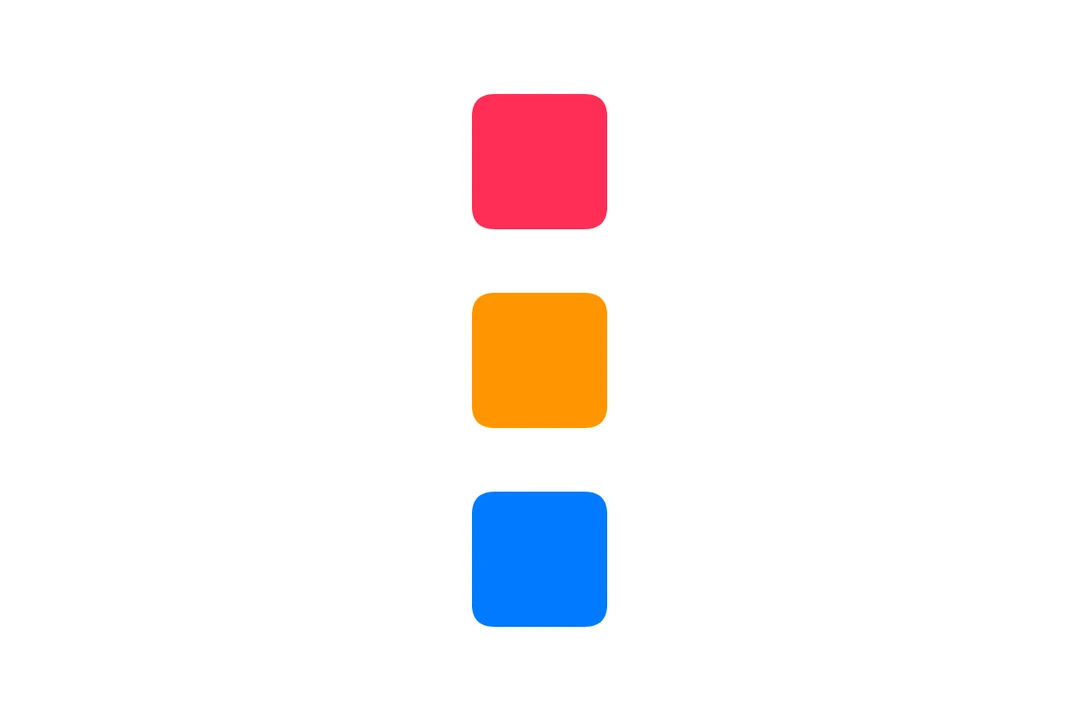
四个带编号的彩色圆角方块在 VStack 中垂直堆叠

安装

Terminal
npx expo install @expo/ui

If you are installing this in an existing React Native app, make sure to install expo in your project.

用法

基础垂直堆叠

BasicVStackExample.tsx
import { Host, VStack, Text } from '@expo/ui/swift-ui'; export default function BasicVStackExample() { return ( <Host matchContents> <VStack spacing={12}> <Text>第一</Text> <Text>第二</Text> <Text>第三</Text> </VStack> </Host> ); }

带对齐

alignment 属性用于控制子元素的水平对齐方式。可用选项有:leadingcentertrailing

VStackAlignmentExample.tsx
import { Host, VStack, Rectangle } from '@expo/ui/swift-ui'; import { frame } from '@expo/ui/swift-ui/modifiers'; export default function VStackAlignmentExample() { return ( <Host matchContents> <VStack spacing={12} alignment="leading"> <Rectangle modifiers={[frame({ width: 50, height: 50 })]} /> <Rectangle modifiers={[frame({ width: 100, height: 50 })]} /> <Rectangle modifiers={[frame({ width: 75, height: 50 })]} /> </VStack> </Host> ); }

API

import { VStack } from '@expo/ui/swift-ui';

Component

VStack

Type: React.Element<VStackProps>

VStackProps

alignment

Optional • Literal type: string

The horizontal alignment of children within the stack.

Acceptable values are: 'center' | 'leading' | 'trailing'

children

Type: ReactNode

spacing

Optional • Type: number

The spacing between children.