This documentation is available as Markdown for AI agents and LLMs. See the full Markdown index or append .md to any documentation URL.
This is documentation for the next SDK version.
NavigationSplitView
并排呈现两列或三列的 SwiftUI NavigationSplitView 组件。
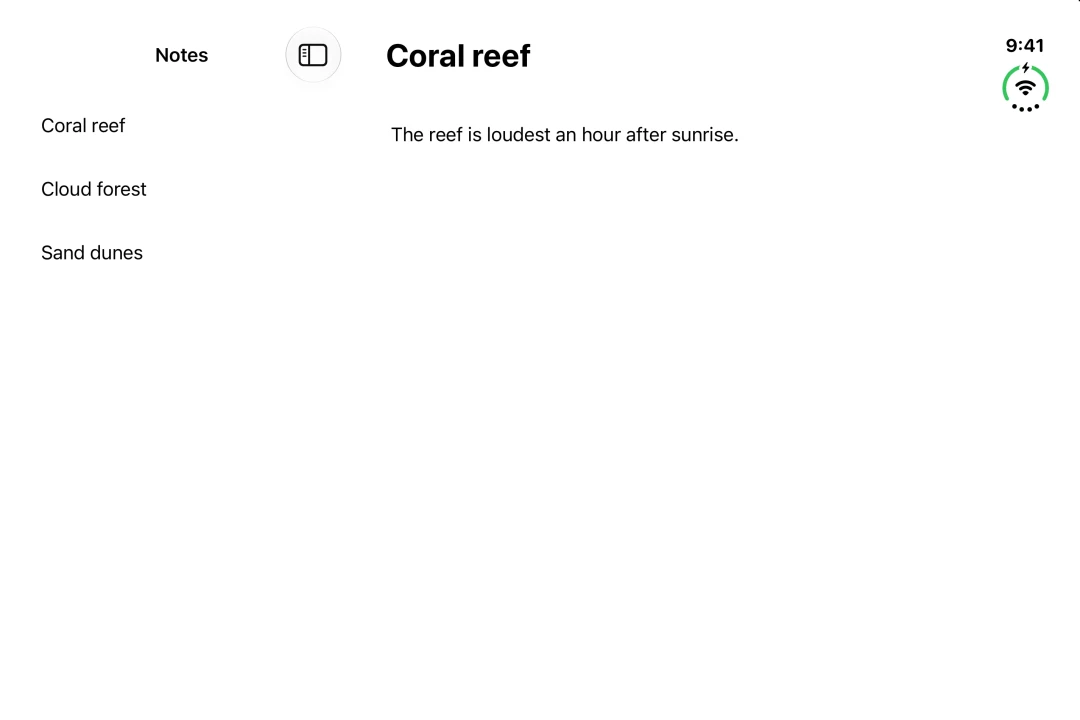
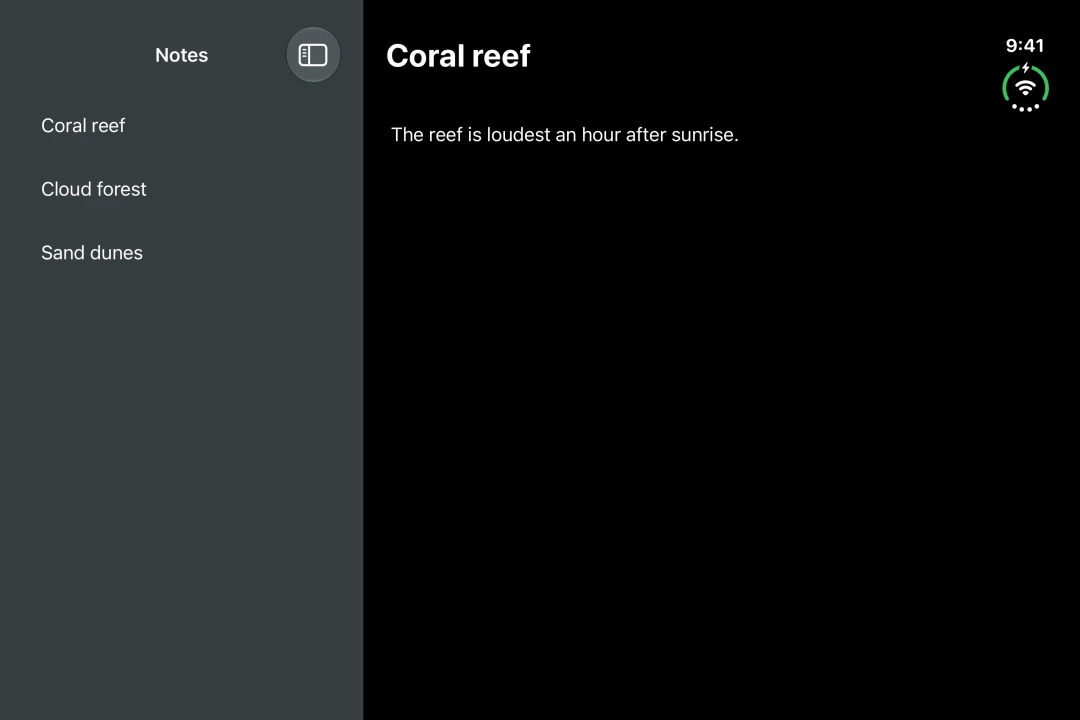
Expo UI NavigationSplitView 与官方 SwiftUI NavigationSplitView API 一致,并将两列或三列并排显示。空间不足时,列会折叠为一列。
安装
If you are installing this in an existing React Native app, make sure to install expo in your project.
用法
两列
提供 NavigationSplitView.Sidebar 和 NavigationSplitView.Detail。使用 navigationTitle 修饰符设置每列的标题。
在 iPhone 上只显示侧边栏。在 iOS 17 及更高版本中,将 preferredCompactColumn 设置为 'detail',即可在点击时打开详情。将 onPreferredCompactColumnChange 中的值传回组件,以确保返回按钮正常工作。
三列
在侧边栏和详情之间添加 NavigationSplitView.Content。使用 navigationSplitViewColumnWidth 修饰符设置列宽,使用 navigationSplitViewStyle 修饰符设置各列如何共享空间。
分栏视图默认选择可见列。将 columnVisibility 设置为 'all' 可显示所有列,设置为 'detailOnly' 则只显示详情。空间不足时,显示的列会减少。将 onColumnVisibilityChange 中的值传回组件,否则拖动分隔线不会生效。
API
import { NavigationSplitView } from '@expo/ui/swift-ui';
Component
Type: React.Element<NavigationSplitViewProps>
NavigationSplitView uses the native NavigationSplitView view.
It presents a collection, a selection and a detail in one hierarchy: side by side when there is room, and stacked when there is not.
Example
<Host style={{ flex: 1 }}>
  <NavigationSplitView>
    <NavigationSplitView.Sidebar>
      <List>{items}</List>
    </NavigationSplitView.Sidebar>
    <NavigationSplitView.Detail>
      <ItemDetail item={selectedItem} />
    </NavigationSplitView.Detail>
  </NavigationSplitView>
</Host>
ReactNodeThe columns of the split view. Provide NavigationSplitView.Sidebar and
NavigationSplitView.Detail, and add NavigationSplitView.Content for a
three-column layout.
NavigationSplitViewVisibility • Default: 'automatic'The columns to show. Setting it makes the value controlled: pass the value from
onColumnVisibilityChange back in, otherwise dragging the divider has no effect.
Leave it unset to let the split view manage its own columns.
(visibility: NavigationSplitViewVisibility) => voidCalled when the visible columns change, including when the user drags the sidebar.
(column: NavigationSplitViewColumn) => voidCalled when the collapsed column changes.
NavigationSplitViewColumn • Default: 'sidebar'The column to show when the split view collapses to a single column, for example
in a narrow window. Setting it makes the value controlled in the same way as
columnVisibility.
Types
Literal type: string
The column shown when the split view collapses into a single column.
Acceptable values are: 'sidebar' | 'content' | 'detail'