This documentation is available as Markdown for AI agents and LLMs. See the full Markdown index or append .md to any documentation URL.
This is documentation for the next SDK version.
ArrangementView
以自适应布局排列主视图和次视图的 SwiftUI ArrangementView 组件。
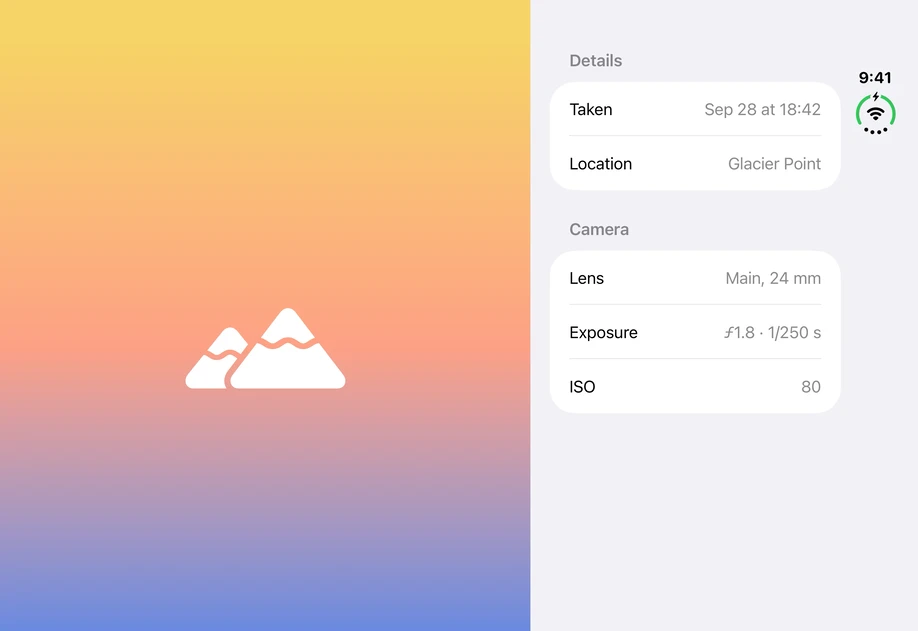
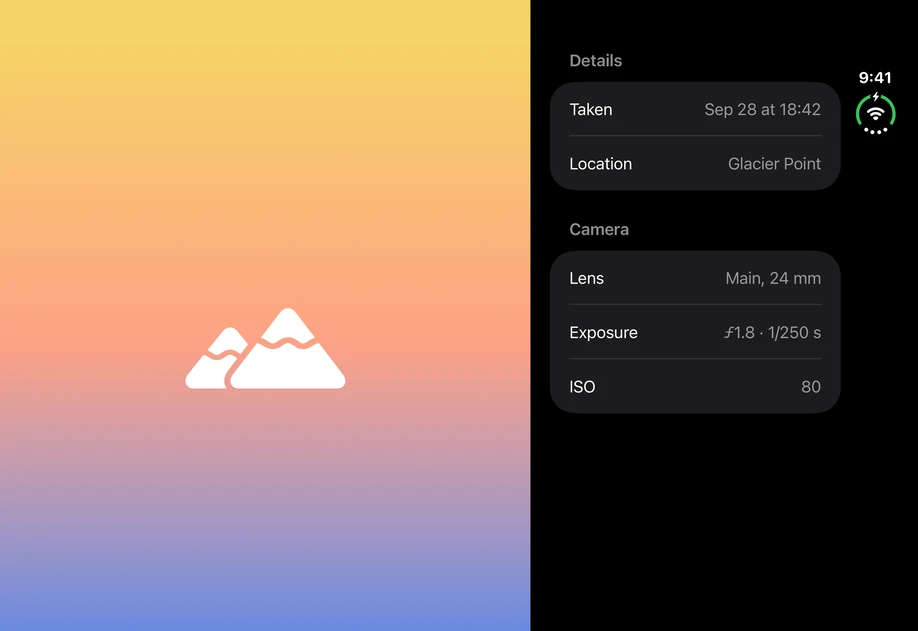
Expo UI ArrangementView 与官方 SwiftUI ArrangementView API 一致,并排列主视图和次视图。布局会根据可用空间和硬件特性(例如折叠屏)进行调整。
信息 ArrangementView 需要 iOS 27.1 或更高版本。在更早的版本中,子项会直接渲染,不包含容器。
安装
If you are installing this in an existing React Native app, make sure to install expo in your project.
用法
将视图放入 ArrangementView.Primary 和 ArrangementView.Secondary,并使用 arrangementViewStyle 修饰符选择布局。
分栏
'split' 样式会将两个视图并排放置。使用 splitArrangementLayoutSize 修饰符限制视图大小,另一个视图会占用剩余空间。
覆盖
'overlay' 样式会将主视图叠加在次视图上。使用 overlayArrangementEdge 修饰符,设置布局切换为水平或垂直排列时视图所在的边缘。
API
import { ArrangementView } from '@expo/ui/swift-ui';
Component
Type: React.Element<ArrangementViewProps>
ArrangementView uses the native ArrangementView view.
A view that arranges primary and secondary content using an adaptive layout that responds to the environment.
Note: Below iOS 27.1, the children render without a container.
Example
<Host style={{ flex: 1 }}>
  <ArrangementView modifiers={[arrangementViewStyle('split')]}>
    <ArrangementView.Primary>
      <NowPlaying />
    </ArrangementView.Primary>
    <ArrangementView.Secondary>
      <Lyrics />
    </ArrangementView.Secondary>
  </ArrangementView>
</Host>
ReactNodeThe views to arrange. Provide ArrangementView.Primary and ArrangementView.Secondary.