使用 EAS Workflows 部署到生产环境

编辑页面

了解如何使用 EAS Workflows 部署到生产环境。


For the complete documentation index, see llms.txt. Use this Use this file to discover all available pages.

当你准备好向用户交付更改时,你可以构建并提交到应用商店,或者发送空中更新。以下工作流会检测你是否需要新的构建,如果需要,就将它们发送到应用商店。如果不需要新的构建,它将发送空中更新。
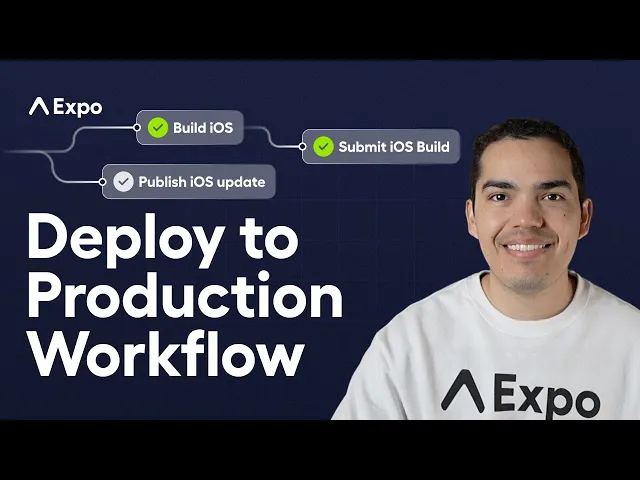
Expo 黄金工作流:使用自动化工作流将你的应用部署到生产环境

使用 EAS Workflows 自动化你的生产发布,以构建、提交到应用商店,或在不需要新构建时发送更新。

开始使用

Prerequisites

3 requirements

1.

设置 EAS Build

要设置 EAS Build,请按照本指南操作:

EAS Build 先决条件

为 EAS Build 准备好你的项目。

3.

设置 EAS Update

最后,你还需要设置 EAS Update,你可以使用:

Terminal
eas update:configure

以下工作流会在每次推送到 main 分支时运行,并执行以下操作:

  • 使用 Expo Fingerprint 获取项目原生特征的哈希值。
  • 检查该 fingerprint 是否已存在对应的构建。
  • 如果不存在构建,它将构建项目并提交到应用商店。
  • 如果存在构建,它将发送空中更新。
.eas/workflows/deploy-to-production.yml
name: Deploy to production on: push: branches: ['main'] jobs: fingerprint: name: Fingerprint type: fingerprint environment: production get_android_build: name: Check for existing android build needs: [fingerprint] type: get-build params: fingerprint_hash: ${{ needs.fingerprint.outputs.android_fingerprint_hash }} profile: production get_ios_build: name: Check for existing ios build needs: [fingerprint] type: get-build params: fingerprint_hash: ${{ needs.fingerprint.outputs.ios_fingerprint_hash }} profile: production build_android: name: Build Android needs: [get_android_build] if: ${{ !needs.get_android_build.outputs.build_id }} type: build params: platform: android profile: production build_ios: name: Build iOS needs: [get_ios_build] if: ${{ !needs.get_ios_build.outputs.build_id }} type: build params: platform: ios profile: production submit_android_build: name: Submit Android Build needs: [build_android] type: submit params: build_id: ${{ needs.build_android.outputs.build_id }} submit_ios_build: name: Submit iOS Build needs: [build_ios] type: submit params: build_id: ${{ needs.build_ios.outputs.build_id }} publish_android_update: name: Publish Android update needs: [get_android_build] if: ${{ needs.get_android_build.outputs.build_id }} type: update params: branch: production platform: android publish_ios_update: name: Publish iOS update needs: [get_ios_build] if: ${{ needs.get_ios_build.outputs.build_id }} type: update params: branch: production platform: ios